Screen, DTG, DTF: How T-Shirt Printing Actually Works, Explained From the Press Room
Understand how screen, DTG and DTF printing build an image, then approve artwork, registration, placement and product-specific process evidence without relying on universal settings.
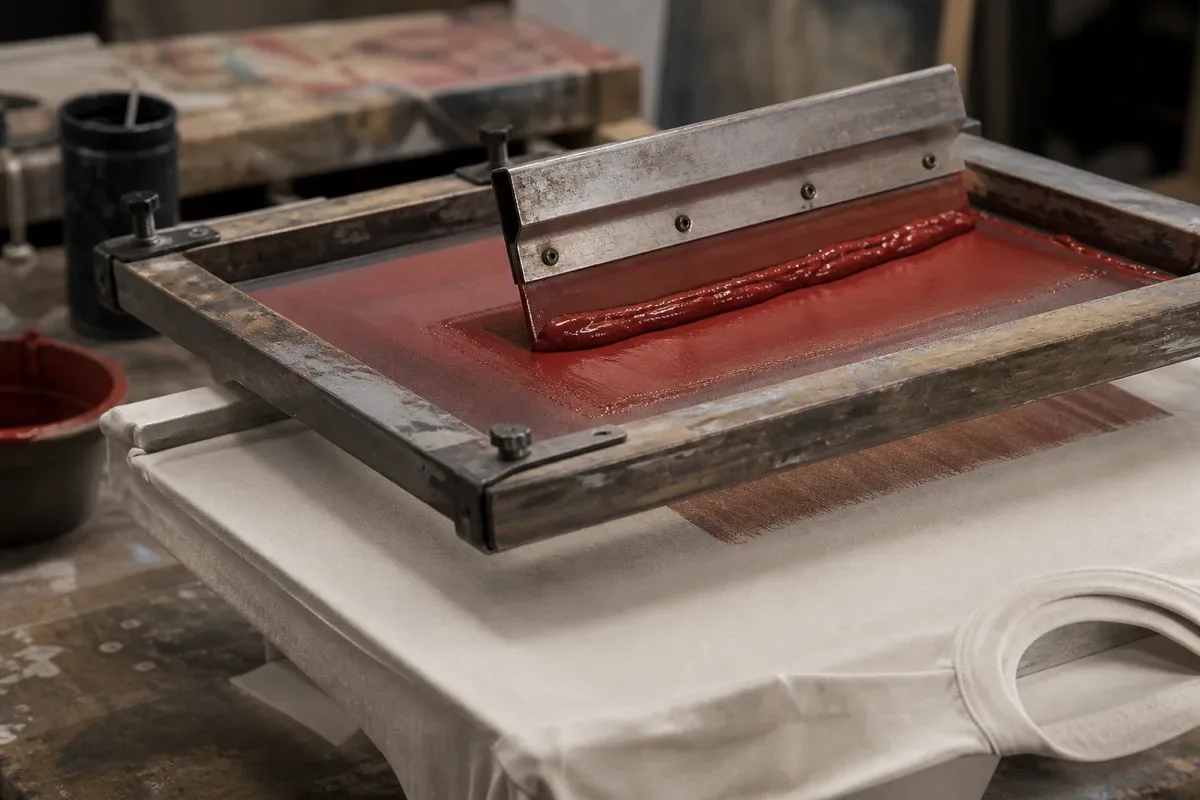
Screen printing pushes ink through image openings in a mesh stencil. DTG jets ink directly onto a prepared garment. DTF builds an image on film, adds adhesive powder and transfers the prepared image to the garment. Those different image paths explain why the methods need different artwork, registration, placement and process checks.
This page owns method mechanics plus method-specific registration and placement evidence. It does not declare one method universally best. The artwork release owner controls the asset record; the strike-off owner and sample approval owner control physical-output decisions. The print-method decision guide owns technique selection, while the print durability and cure guide owns cure, dye-migration and wash evidence.
The Three Image Paths at a Glance
| Method | Where the image is formed | What creates the garment image | Approval emphasis |
|---|---|---|---|
| Screen printing | On separated stencil screens | Ink deposited through registered mesh openings | Separation, screen sequence, registration, deposit and actual ink-system evidence |
| DTG | Directly on the garment | Digitally jetted textile ink on a prepared substrate | File rendering, pretreatment where required, platen loading, surface condition and product-specific fixation |
| DTF | On a carrier film before transfer | Printed ink layer plus adhesive powder transferred under the specified system | Orientation, white layer, film/powder compatibility, transfer positioning, peel route and supplier instructions |
Only a production-intent sample makes the proposed combination visible and testable.
How Screen Printing Builds the Image
Screen printing begins by separating artwork into printable layers. A mesh screen is prepared so ink passes through the open image area while the rest remains blocked. The garment or cut panel is located on a platen, ink is driven across the screen with a squeegee, and the planned sequence builds the image.
Multiple-color artwork adds a registration problem: the printed layers must meet at the approved boundaries after the garment is loaded and the screens are indexed. A dark garment may also require an underbase or another product-specific build. Those choices affect edge relationships, color appearance, surface feel and the process route, so they belong in the approved strike-off or sample—not in an assumption copied from a different job.
Registration is an artwork relationship
Registration asks whether the printed separations align with one another. It is not the same as placement, which asks where the complete graphic sits on the garment.
Check registration at the zones most likely to reveal error:
- fine keylines and small reversed details;
- adjacent spot colors with no intended gap;
- an underbase edge relative to the color above it;
- halftones and tonal transitions;
- type, icons and narrow interior counters; and
- deliberate traps, spreads or offsets identified in the approved file.
M&R's official Tri-Loc screen-registration system page describes a system for locating screens relative to the press. That supports a bounded point: print equipment can provide registration controls. It does not establish the tolerance for a buyer's artwork or prove that a production run matches the approved sample.
Record the artwork revision, separation set, screen or setup identity, chosen registration checkpoints and agreed acceptance language. “Looks aligned” is hard to audit if the sample later changes. “No visible color gap at checkpoints A, B and C when reviewed under the agreed condition” makes the decision traceable without inventing a universal tolerance.
Screen-ink processing is product-specific
Screen inks do not share one universal processing condition. Avient's official Wilflex product-selection guide lists different product families and product-specific processing information. The buyer lesson is to identify the actual ink, underbase, blocker, additive and current technical bulletin, then retain production-representative evidence.
A dryer display, remembered shop rule or value from another ink family is not an approval record. Route actual film-temperature verification, delayed review, migration risk and wash or film-integrity criteria to the durability owner.
How DTG Builds the Image
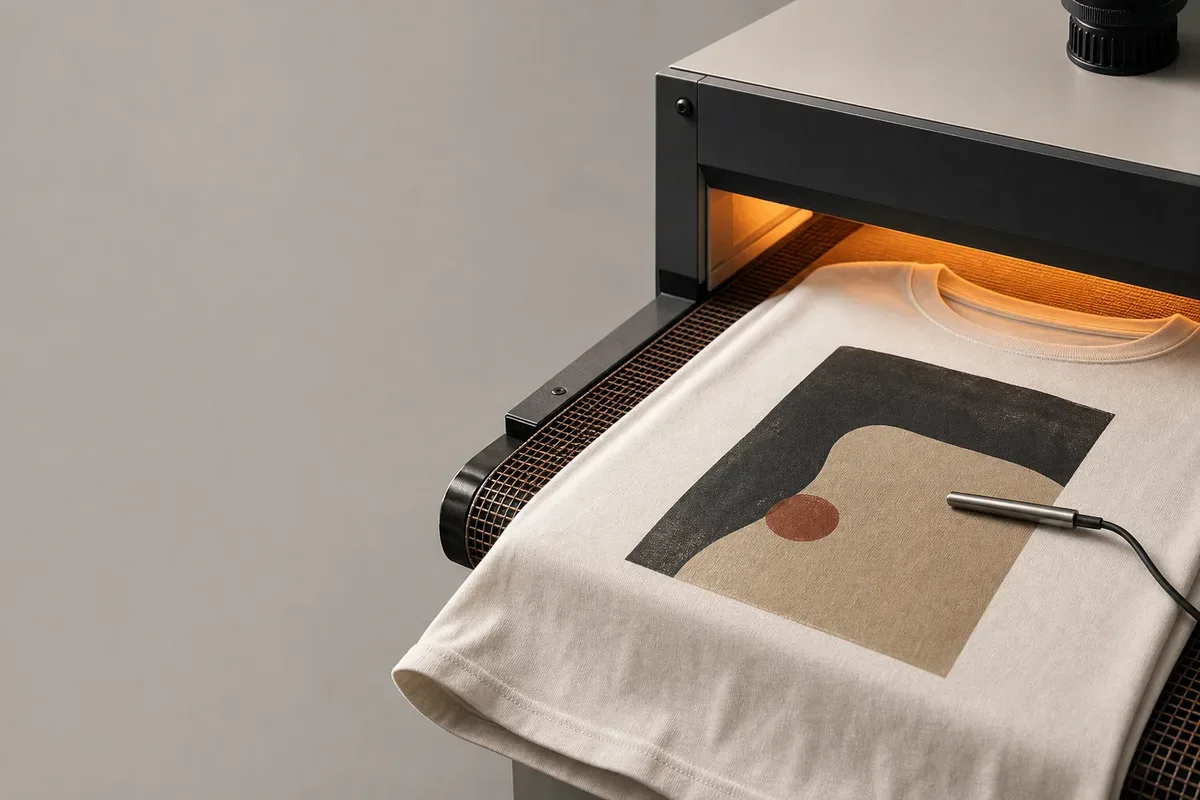
Direct-to-garment printing holds the garment on a platen and jets the image onto its surface. The digital file is rendered by the production software, the garment is prepared for the applicable ink and substrate system, and the printed ink is fixed according to the identified product and equipment guidance.
This route removes physical color-separation screens, but it does not remove prepress. Resolution, transparency, color handling, white-ink generation, printable area and artwork scale still affect the output. A file that looks complete on a monitor can produce a different edge, tonal transition or dark-garment result when rendered through the actual workflow.
Epson's official SureColor F2270 User's Guide distinguishes garment preparation and fixation conditions by media and process route, and includes separate guidance for heat-press and heat-tunnel workflows. Its support material instructs users to test the actual process rather than treat one condition as universal. That is the correct boundary for a buyer brief: require the responsible print party to use the current guidance for the identified ink, garment and equipment.
Pretreatment is part of the submitted state
Where the chosen DTG system requires pretreatment, identify the solution, application route and garment state presented for approval. Uneven application, contamination, garment moisture, fibers on the face or poor platen loading can change the visible print before durability is considered.
Review the sample for:
- image detail and tonal transitions against the approved file;
- white and color relationship where a white layer is used;
- visible pretreatment marks or changes outside the intended print area;
- banding, misplaced ink or surface debris;
- orientation and finished image dimensions; and
- the garment's appearance after the specified fixation and agreed hold state.
Do not describe DTG as universally soft, universally cotton-only or automatically photographic. Hand and appearance depend on the artwork coverage, ink build, substrate surface, pretreatment and process. State the result observed on the identified sample.
How DTF Builds the Image
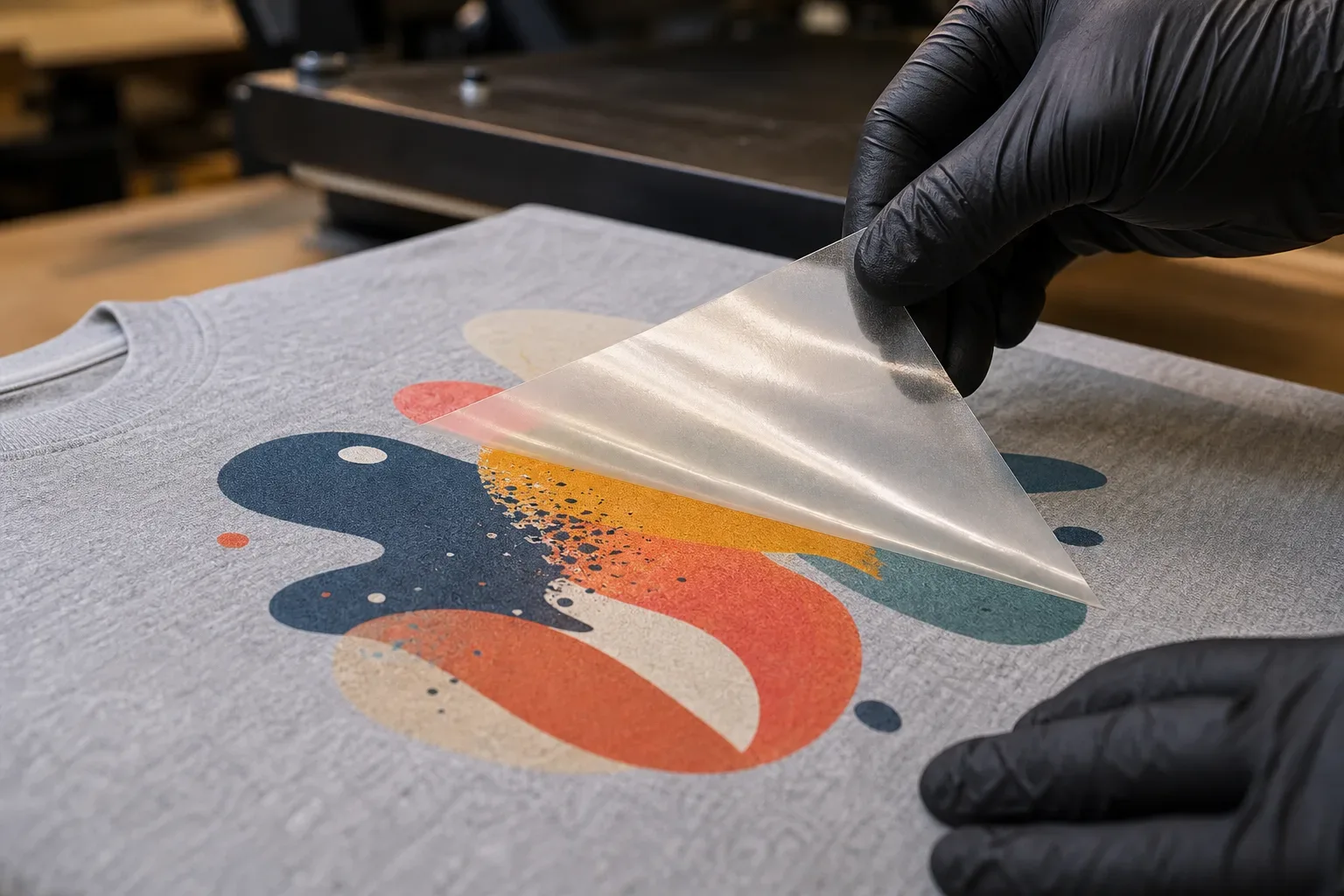
Direct-to-film changes the order of operations. The image is prepared and oriented for the identified film workflow, printed with its color and white layers, covered with compatible adhesive powder while appropriate for the system, processed into a transfer and positioned on the garment for heat application. The carrier is then removed according to the identified film instructions.
Epson's official DTF Film Printing Guide documents the film, powder and transfer sequence. Epson's related post-processing guidance makes the crucial limitation explicit: conditions vary with the film, powder, transfer media, fixing equipment and ink amount, and users should follow the applicable supplier instructions.
That means a DTF approval must name a system, not merely a method. Record the printer/ink workflow where relevant, film, powder, film side, processing equipment, transfer substrate and applicable technical instructions. Do not carry a press condition, peel instruction or finishing step from an unrelated film-and-powder combination.
Check both the transfer and the applied result
Before application, inspect the identified transfer for:
- orientation relative to the film and garment, as specified for the identified workflow, plus the artwork revision;
- complete intended image and white-layer relationship;
- even adhesive coverage inside the required image area;
- unwanted powder or residue outside the design;
- film damage, smearing or contamination; and
- transfer ID linked to the intended garment and placement record.
After application, inspect image dimensions, orientation, edge condition, surface appearance and the agreed placement checkpoints. If the transfer crosses a seam, pocket, zipper zone, rib or other level change, approve that exact construction rather than extrapolating from a flat test cloth.
DTF is compatible with many applications, but “works on any fabric” is too broad for an approval. Coatings, stretch, texture, heat sensitivity, dye behavior and later finishing can change the result. Test the actual material and garment state.
Placement Evidence Must Refer to the Approved Coordinate Record
Placement evidence compares the executed image with the approved instruction. “Center chest” alone cannot resolve landmarks, construction obstacles or graded sizes.
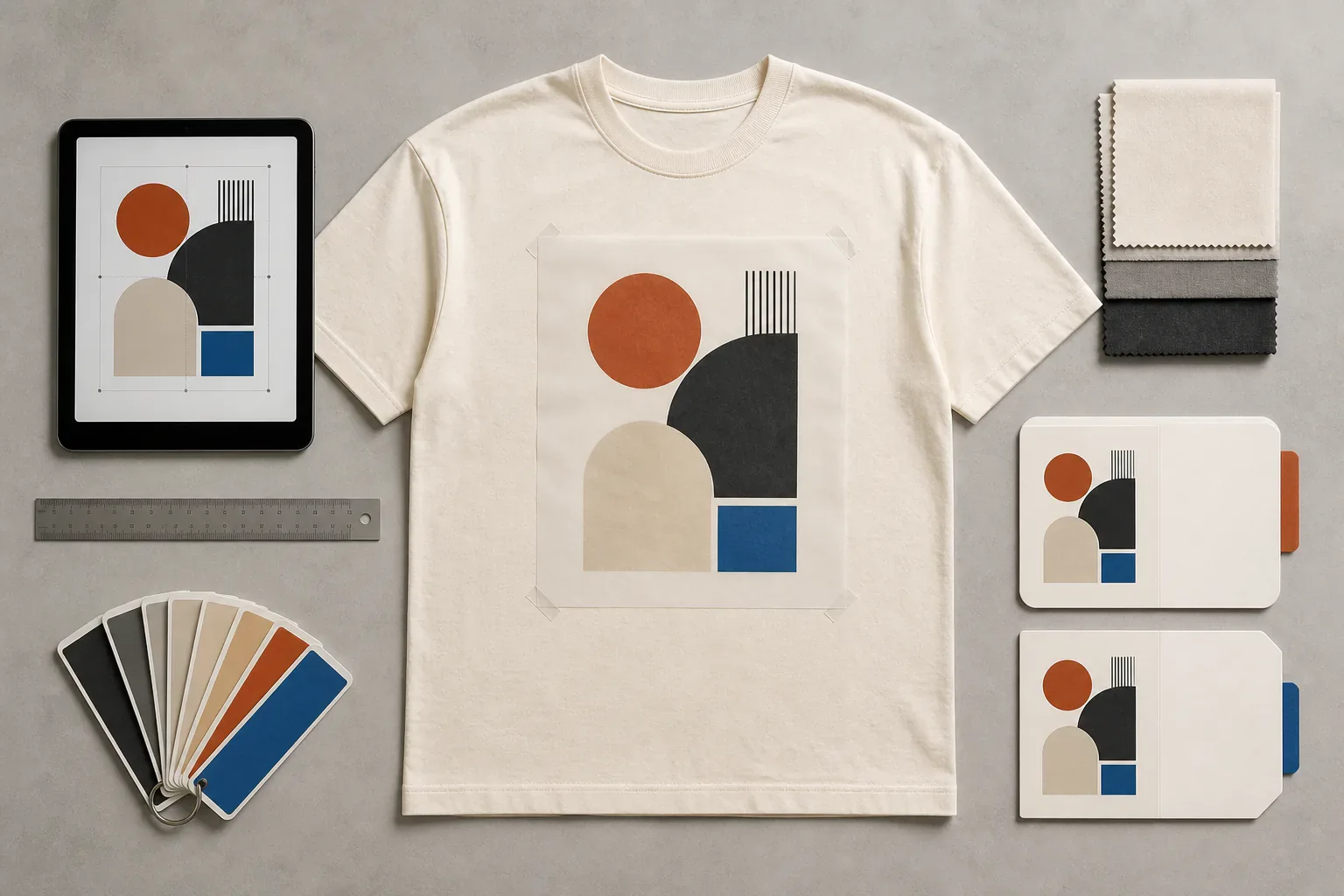
The tech-pack placement owner retains the approved location, image dimensions, measurement origins, size-dependent rules and project-specific tolerances. This method article does not create or revise those coordinates. It records whether the screen, DTG or DTF execution matches the cited placement specification on named garment evidence.
Retain the placement-specification and artwork-release IDs; the method and setup, platen or transfer identity; the sample or garment ID, state, size and colorway; actual observations at the approved checkpoints; registration and edge condition; linked evidence; and the reviewer, decision, scope and reopen triggers.
Use the apparel artwork approval checklist to control the released file, scale and color callouts, and use the sample approval owner for the physical garment disposition. Do not use a styled mockup as the only measurement source. A mockup can show intent; the controlled instruction and identified sample provide different evidence for their respective owners.
Registration and placement need separate dispositions
A multi-color screen print can be internally registered but placed too low. A DTF transfer can match the intended chest coordinate while its printed white layer is visibly offset. A DTG image can be centered on the platen yet appear off-center relative to the sewn garment because the garment was loaded unevenly.
Write separate decisions:
- Artwork rendering: correct file, scale, color relationship and intended image content.
- Internal registration: layers meet at the identified checkpoints.
- Garment placement: finished image meets the named landmark measurements.
- Process evidence: the identified ink or transfer system completed its product-specific route.
- Durability evidence: the agreed wash, migration, film or adhesion checks support only their stated scope.
A placement revision should not silently reopen color separations, and an ink-system change should not inherit old durability evidence.
Compare Methods Without Turning the Table Into a Promise
| Buyer question | Screen printing | DTG | DTF |
|---|---|---|---|
| Artwork preparation | Separation and print-sequence plan | Rendered digital file and white/color workflow where applicable | File orientation and white/color workflow specified for the identified system |
| Registration focus | Relationship among printed layers | Digital rendering plus garment loading | Printed layers on film plus transfer location |
| Substrate decision | Ink system selected for actual garment | Pretreatment/ink/substrate route selected for actual garment | Film/powder/transfer/substrate combination validated |
| Surface result | Depends on ink, deposit, artwork and garment | Depends on ink build, pretreatment, coverage and surface | Depends on ink, powder, artwork coverage and transfer system |
| Heat/process evidence | Current ink-system bulletin and production-representative verification | Current printer/ink/substrate guidance and actual fixation route | Current film/powder/media instructions and actual transfer route |
| What still needs sampling | Color, hand, registration, placement and durability | Rendering, surface, placement and durability | Transfer surface, edges, placement, substrate response and durability |
The table explains evidence routes; it does not quote price, minimum quantity, lead time, durability or fabric compatibility. Those decisions depend on the actual project.
Product Pages Are Placement References Only
A screen-printed heavyweight T-shirt can help a team name chest, sleeve and hem landmarks. A DTG-decorated zip hoodie can illustrate zipper, pocket and body-panel constraints. A long-sleeve printed T-shirt can identify sleeve and layered-body placement zones.
These links are visual and use-location references only. Their titles, photos and displayed details do not prove the method, ink, fiber, process conditions, availability or approval status for another order. Confirm the proposed route on an identified production-intent sample.
Copyable Print Approval Record
PROJECT
Brand / style / revision:
Garment article / color / size / lot:
Garment state at decoration and review:
Method proposed: screen / DTG / DTF

CONTROLLED INPUT REFERENCES
Artwork-release ID / revision:
Placement-specification ID / revision:
Physical-output reference ID / state:

METHOD RECORD
Screen: screens, sequence, underbase and ink-system IDs
DTG: printer workflow, ink, pretreatment and substrate state
DTF: film, powder, ink workflow, transfer media and supplier instructions
Current technical-document revision:
Production-representative sample ID:

REVIEW
Artwork rendering result:
Internal registration result:
Garment placement result:
Surface / hand observations:
Process and durability evidence linked:
Approved scope / open items:
Next permitted step:
Reopen triggers:
Approver and date:
Reopen Approval When a Controlling Input Changes
Review the affected evidence when artwork revision, scale, placement, garment size, fabric, color, finish, lot or decoration stage changes. Reopen the method record when the ink, pretreatment, film, powder, additive, underbase, equipment route or applicable technical instruction changes.
Do not assume every change invalidates every decision. A corrected placement can retain an approved image rendering if the controlled artwork remains identical. A different garment lot may preserve the artwork decision while reopening migration, adhesion or surface evidence. State which owner is reopened and why.
When an applied layer lifts or peels, route the symptom to the print-peeling diagnostic. When the question is cracking, cure, migration or wash evidence, use the durability owner. Visible failure is a starting observation, not automatic proof of one cause.
Buyer Checklist Before Releasing a Print
- The artwork filename, revision, dimensions and color/white-layer plan are controlled.
- The garment article, color, size, lot and decoration state are identified.
- Placement uses named landmarks and project-specific checkpoints.
- Internal registration and garment placement have separate decisions.
- Screen ink, DTG pretreatment or DTF film/powder inputs are identified as applicable.
- Current product-specific technical instructions replace remembered universal settings.
- The sample represents the proposed garment surface, seams and placement zone.
- Surface, color, registration, placement and durability observations remain separate.
- The decision names exact scope, open evidence, next step and reopen triggers.
- Commercial terms and production timing remain project-specific.
Frequently Asked Questions About Screen, DTG and DTF Printing
What is the main difference between screen printing, DTG and DTF?
Screen printing deposits ink through prepared mesh openings, DTG jets ink directly onto a prepared garment, and DTF prints onto film before an adhesive-backed image is transferred. Each route creates different prepress, positioning and process-control needs.
Is DTF better than screen printing?
Not universally. The answer depends on artwork, garment material and finish, image coverage, required surface character, quantity, placement and evidence plan. Use the decision owner to shortlist a method, then approve the actual combination in a production-intent sample.
Is DTG the same as DTF?
No. DTG forms the image directly on the garment. DTF forms the image on a carrier film, adds an adhesive layer and transfers it to the garment. Their file preparation, material handling, application and approval records are different.
What is screen print registration?
It is the alignment relationship among the printed layers that build an image. Approve it at named artwork checkpoints. Do not confuse it with garment placement, which locates the complete image relative to garment or pattern landmarks.
Is there one correct cure or press setting for each print method?
No. Requirements vary by the identified ink, pretreatment, film, powder, substrate, equipment and build. Use the current technical guidance for the exact system and retain production-representative verification; do not copy a fixed setting from another job.
What should a brand approve before bulk printing?
Approve the controlled artwork, finished dimensions, color relationship, method build, internal registration where applicable, garment placement and observed surface on an identified sample. Link product-specific process and agreed durability evidence, then state the exact released scope and reopen triggers.
Make the Method Visible in the Approval Record
The clearest print brief follows the image from file to garment. It shows where the image is formed, how layers align, which landmarks locate it and which identified products and instructions control the process.
For a Jiashun project, send the artwork file, finished size, garment and fabric direction, colorways, placement diagram and quantity. Method selection, samples, process evidence, commercial terms and production approval remain specific to the reviewed project.
References
- Avient. Wilflex Product Selection Guide. Official product-family guide showing product-specific screen-ink processing information. Retrieved 2026-08-21.
- Epson. SureColor F2270 User's Guide. Official DTG and film-printing workflow, preparation, loading and fixation documentation. Retrieved 2026-08-21.
- Epson. DTF Film Printing Guide. Official film, adhesive-powder and heat-transfer process guidance with system-dependent limitations. Retrieved 2026-08-21.
- Epson. Performing Post-processing for Film. Official guidance stating that post-processing varies by film, powder, media, equipment and ink amount. Retrieved 2026-08-21.
- M&R Printing Equipment. Tri-Loc and Double Tri-Loc Screen Registration System. Official equipment page supporting the distinction between registration control and project approval. Retrieved 2026-08-21.